Màn hình cảm ứng HMI

Màn hình cảm ứng HMI

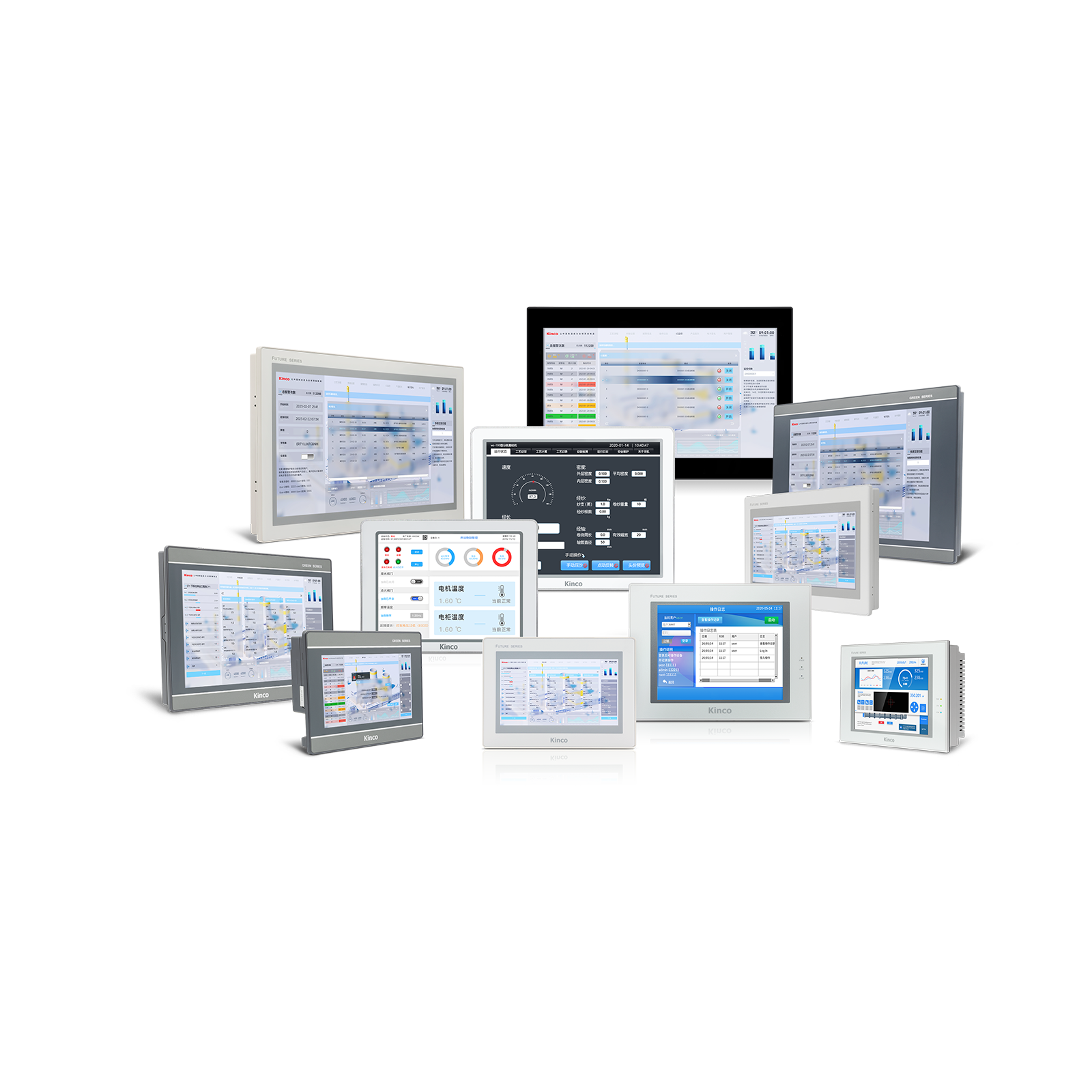
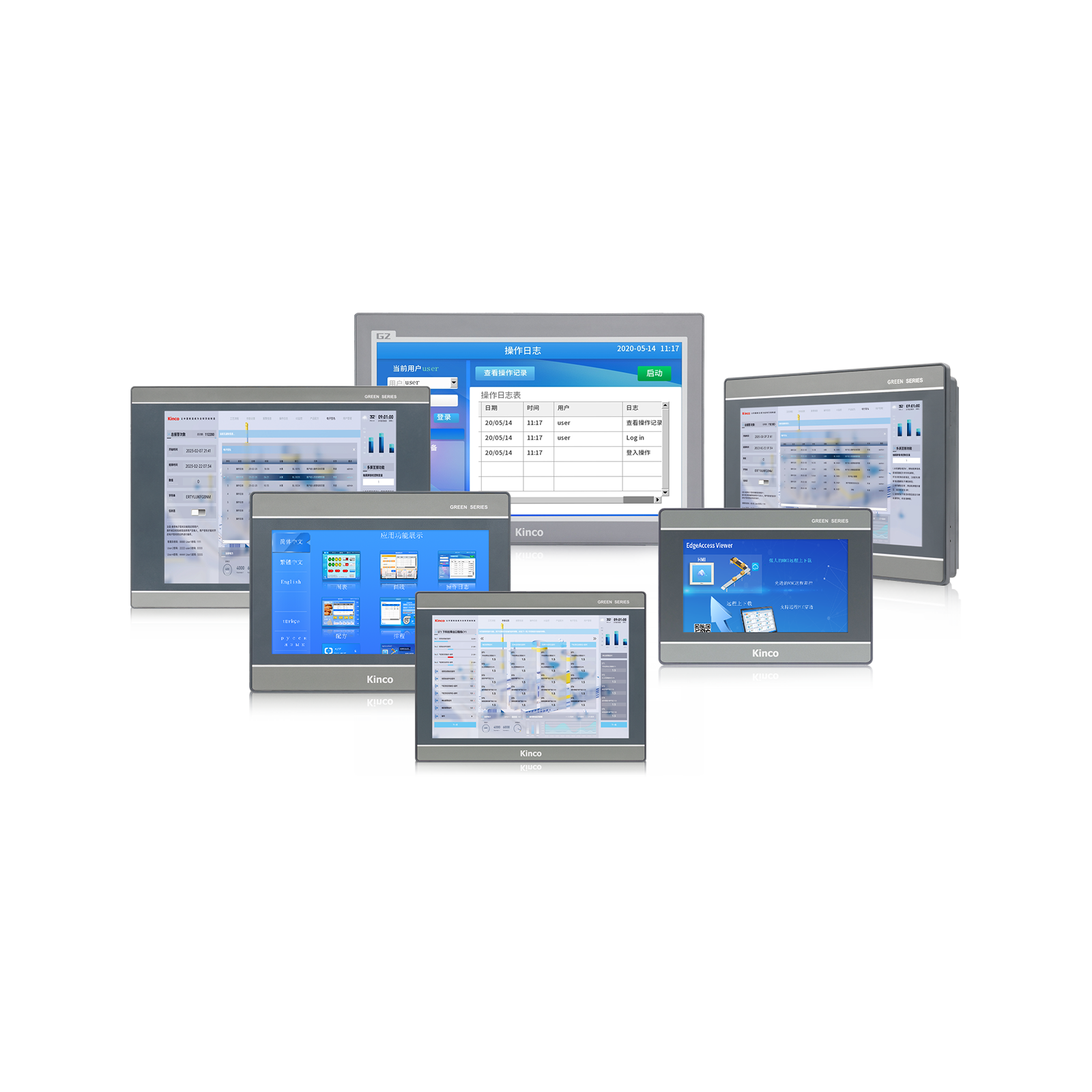
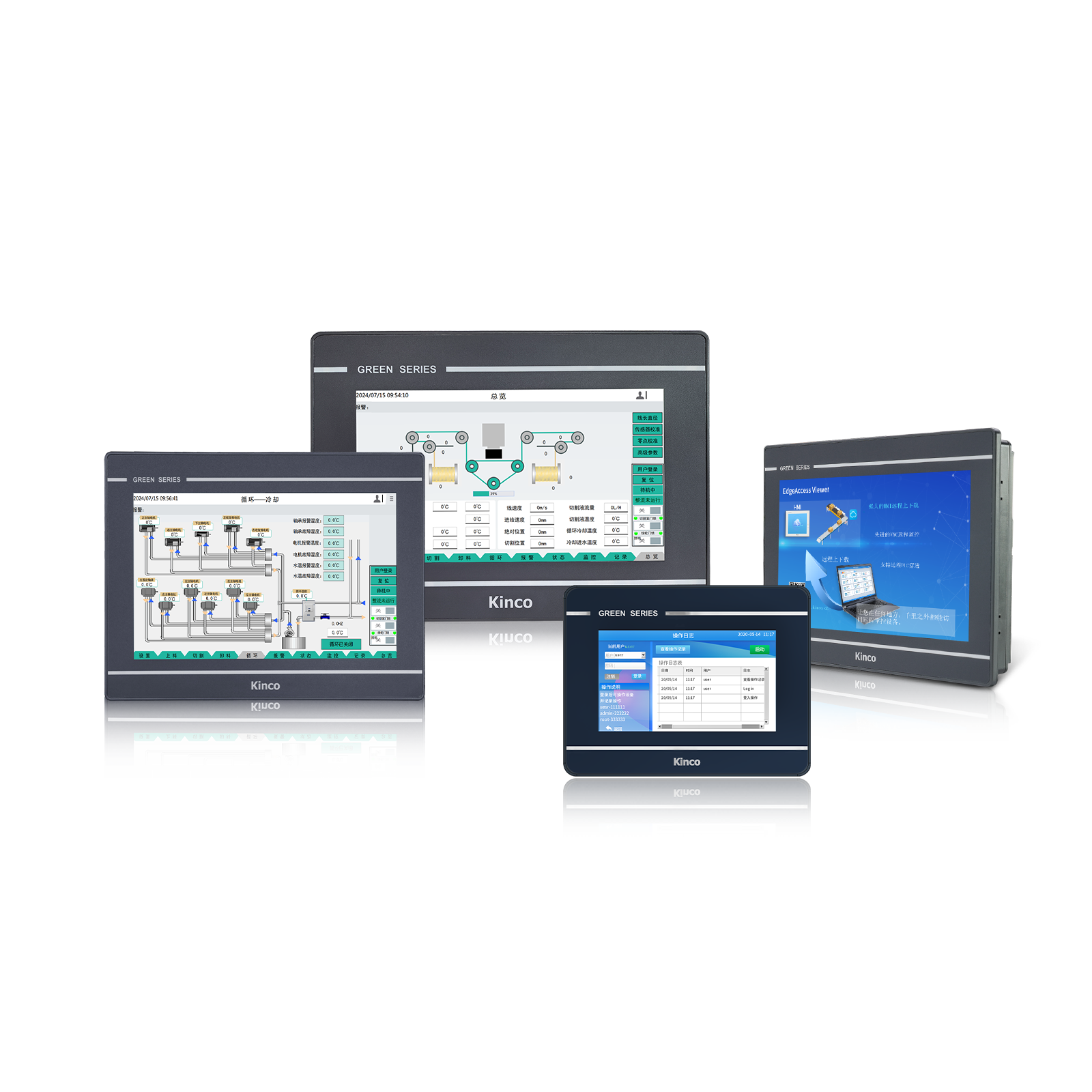
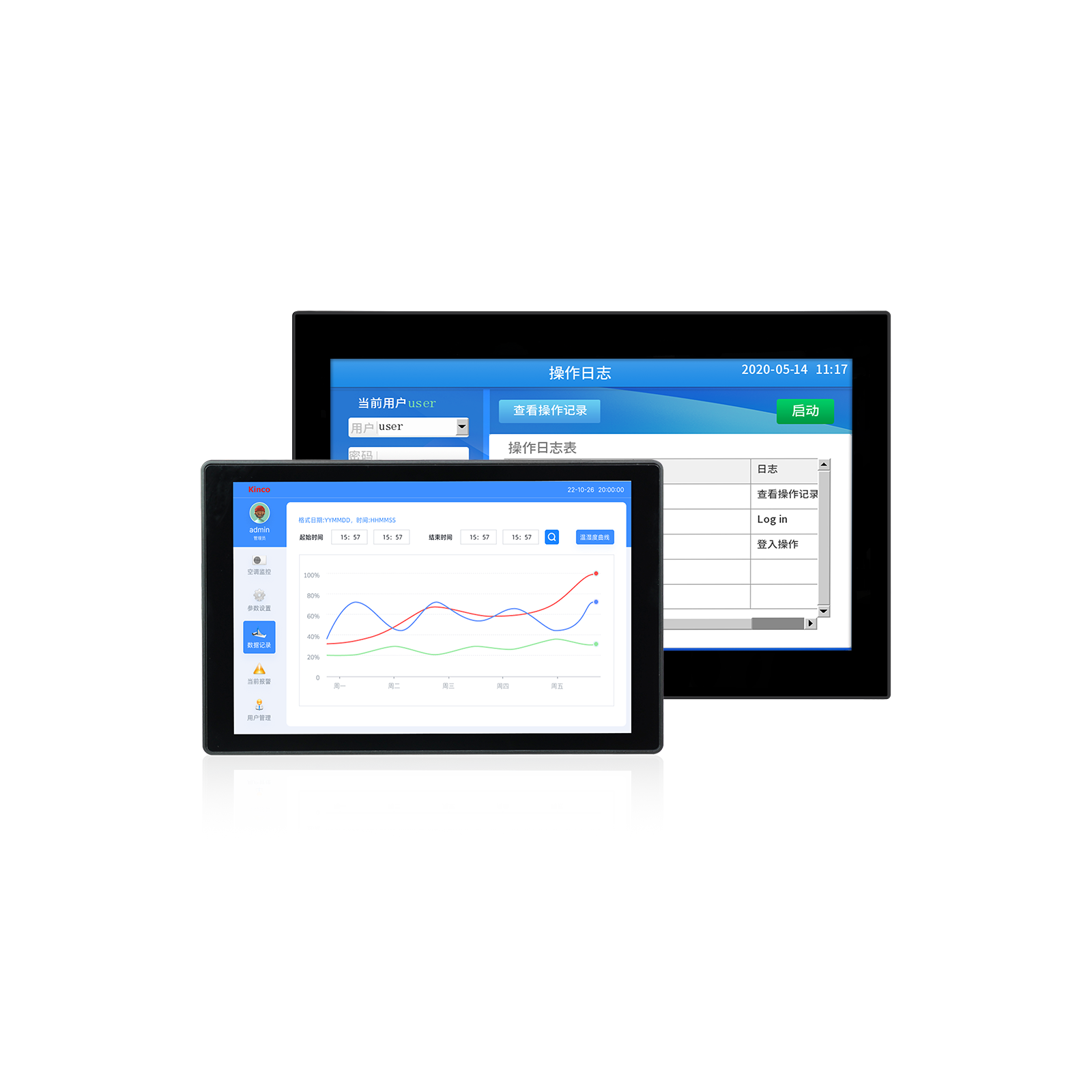
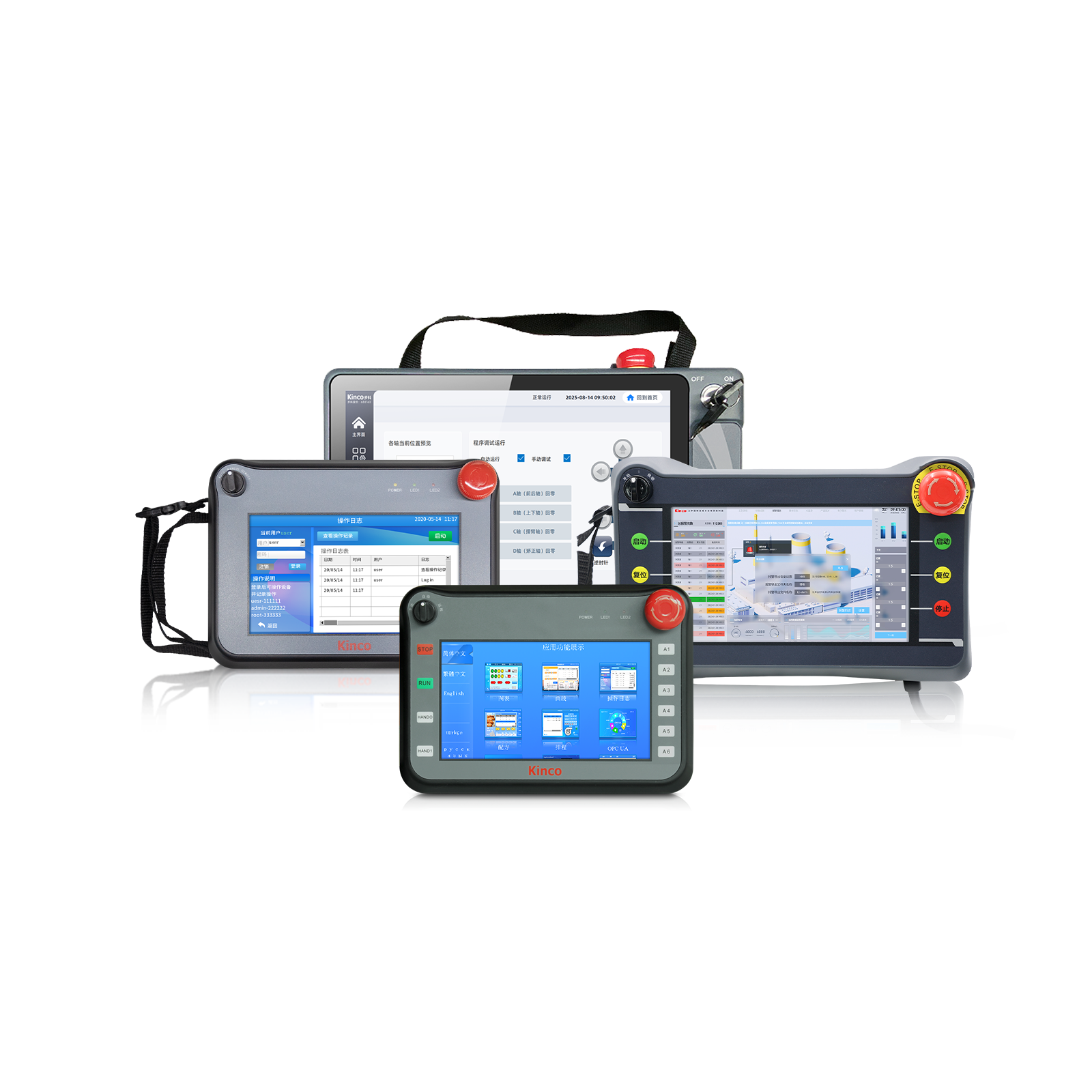
Màn hình cảm ứng HMI Kinco được MC&TT phân phối chính hãng tại thị trường Việt Nam

HMI (Human Machine Interface) là giao diện điều khiển máy móc bằng màn hình cảm ứng hiệu suất cao dành cho các ứng dụng công nghiệp. Giao thức truyền thông của tất cả các dòng HMI Kinco đều có thể tùy chỉnh, đảm bảo khả năng tương thích với nhiều thương hiệu PLC khác nhau như Mitsubishi Electric, Siemens, Schneider Electric, Delta, Omron, LS, Cimon,…v.v.

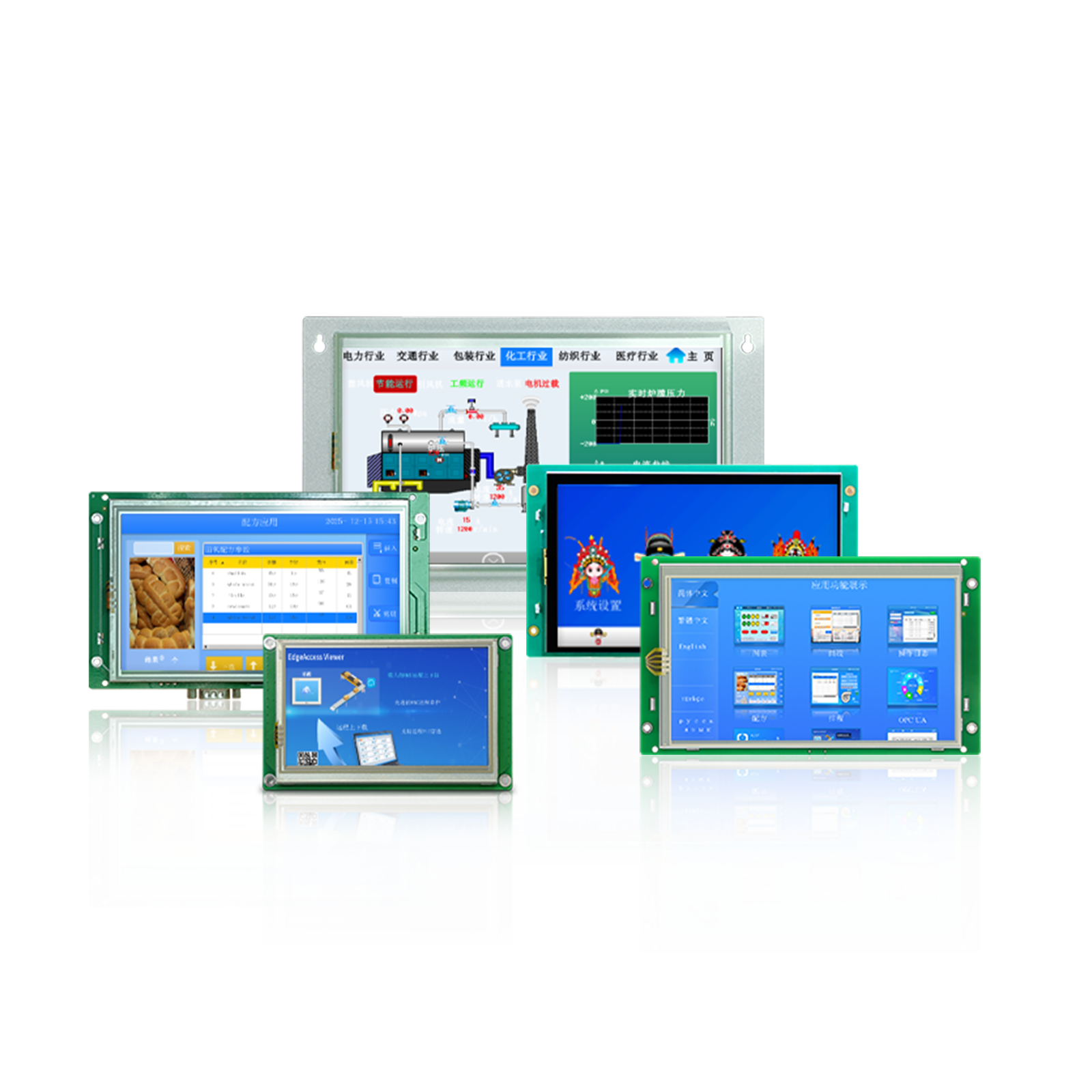
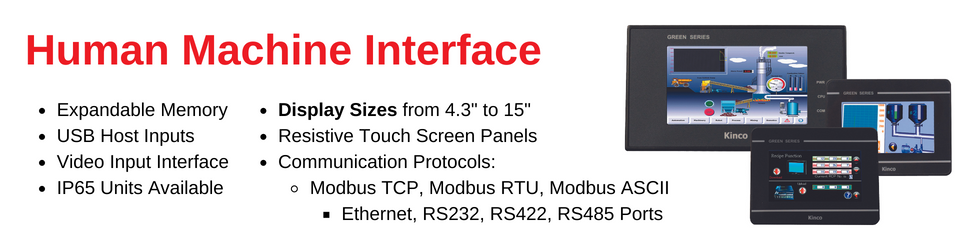
Màn hình HMI của Kinco nổi bật với thiết kế hiện đại, đa dạng kích thước từ 4.3” đến 15”, hỗ trợ nhiều giao thức truyền thông (Modbus, BACnet, CANopen, EtherCAT…), cùng khả năng kết nối WiFi/4G cho giám sát từ xa. Đây là giải pháp tối ưu cho tự động hóa nhà máy, hệ thống HVAC, BMS và các dây chuyền sản xuất tại Việt Nam.

Ưu điểm chung:

  • Màn hình TFT True Color, độ phân giải cao.
  • CPU ARM lõi kép tốc độ 1GHz, RAM 256MB, Flash 4GB.
  • Hỗ trợ đa giao thức: Modbus, BACnet/IP, Siemens, Mitsubishi, Delta, Omron…
  • Phần mềm lập trình Kinco DToolsPro miễn phí, dễ sử dụng.
  • Chứng nhận CE, RoHS, độ bền cao, chống bụi và chống nước mặt trước IP65.
Frequently Asked Questions
HMI là gì?

HMI, an acronym meaning Human Machine Interface, is exactly what the name implies. It is simply an interface – usually graphical – that lets humans and machines interact. The precise date of inception for this technology is not known due to the huge graphical interface boom we have had, and are still experiencing. Examples of HMIs vary widely, from control panels for nuclear power plants, to the screen on that new iPhone. More often than not, when a person refers to a Human Machine Interface or HMI, he/she is referring to a control panel for a manufacturing-type process. An HMI in this context is the centralized control unit for manufacturing lines, equipped with Data Recipes, event logging, video feed, and event triggering so that you may access your system at any moment for any purpose. For a manufacturing line to be integrated with a Human Machine Interface, it must first be working with a Programmable Logic Controller (PLC) because the PLC is what takes all the information from the sensors and transforms it to Boolean algebra so the Human Machine Interface can decipher and make decisions.

What are the benefits of using a Human Machine Interface and PLC as opposed to just a PLC?

HMIs offer a digital display of data in real time that a PLC cannot offer. While the PLC is performing its programmed operation, an HMI allows for the user to see data in real time rather than compiling the data to observe after the fact. An example to reference for an HMI with a PLC rather than a PLC standalone would be an ATM Machine. If there was no graphical display, a user would be dependent on receipts to enter in data. That is, imagine inserting your personal ATM card only to have a receipt print out requesting your PIN. Then, once into your account, a receipt prints out asking which action you would like to perform; deposit, withdraw, transfer, or balance inquiry. This issue is solved by a Human Machine Interface through which you can make your selection at a touch of a button. While the HMI is not critical in this scenario, it is much more efficient and user-friendly. Many applications do not require an HMI, but the cost savings associated with the benefits of HMIs are heavily skewed in favor of the HMI being a system component.

What are the benefits of a Human Machine Interface (HMI) over a desktop?

The main advantage of a Human Machine Interface (HMI) over a desktop computer is that, with an HMI, there is a dedicated system specific to your application. This means that you have a panel which will not allow internet browsing, solitaire game playing, or update reminders, unless it pertains to your application. HMIs give you absolute control – you may give the operator limited access to specific features or full access, depending on how you create your graphical interfaces.

How does the Human Machine Interface (HMI) communicate with other devices?

The Human Machine Interface (HMI) must be connected to a device whether it is through Ethernet (RJ45), serial communication (RS232, USB, or RS422) or wireless. The two devices’ communication settings such as baud rate, data bit, stop bit and parity must be in sync so that no packet loss occurs.

Helpful Information
Basics

“HMI” is an acronym that stands for Human Machine Interface. A basic definition for an HMI is any interface between a human operator and a machine or system. A lesser used synonym is Man Machine Interface, or MMI. Technically, “Human Machine Interface” is a broad term describing any interface that allows a human to interact with a machine, and can include, for example, devices such as MP3 players, industrial computers, household appliances, and office equipment. However, the terms “HMI” or “Human Machine Interface” are typically used in contexts specific to manufacturing and other industrial processes. A Human Machine Interface provides a visual representation of a process control system with real-time data acquisition. HMIs can increase productivity by providing a centralized control center that can be made extremely user-friendly.

Advantages – Benefits of HMIs

“HMI” is an acronym that stands for Human Machine Interface. A basic definition for an HMI is any interface between a human operator and a machine or system. A lesser used synonym is Man Machine Interface, or MMI. Technically, “Human Machine Interface” is a broad term describing any interface that allows a human to interact with a machine, and can include, for example, devices such as MP3 players, industrial computers, household appliances, and office equipment. However, the terms “HMI” or “Human Machine Interface” are typically used in contexts specific to manufacturing and other industrial processes. A Human Machine Interface provides a visual representation of a process control system with real-time data acquisition. HMIs can increase productivity by providing a centralized control center that can be made extremely user-friendly.

Convenience
The convenience that comes with a Human Machine Interface is priceless. You will find that once you have digitized your system, the functionality you will get out of your HMI is unbeatable. An HMI combines all the control features that are found throughout your automation line and places them all in one centralized location; no more having to run to that red pushbutton that will stop your line. With remote access, you don’t have to be anywhere near your automation line to start/stop or monitor production, and you can have all the same features you have on your centralized unit in a smaller compact form. Along with ease of access from wherever you may be, simplicity is also a big factor in the usability of a Human Machine Interface. With simplistic screens and functions you can train almost anyone to supervise your automation line.

Interface Flexibility
The great thing about a Human Machine Interface is that you can personalize your interface however you would like. If you want to develop a complex system with multiple screens and several routines always running, an HMI fully supports that. If you are looking to program a Human Machine Interface with something more simplistic, you could have instructions for the controller directly written onto the interface. Every HMI comes with different features. Some may play sound or video, or even may have remote access control. The design of any particular interface should be optimized for that specific application, taking into account environmental aspects and operators such as noise, lighting, dust, vision and technological curves.

TOP